Product / Billing and network workflows
Connect M-Pesa payments with subscriber billing
Reduce manual payment follow-up with configured M-Pesa workflows. Paygrid supports payment requests, callback handling and rechecks; the available flow depends on the gateway you enable.
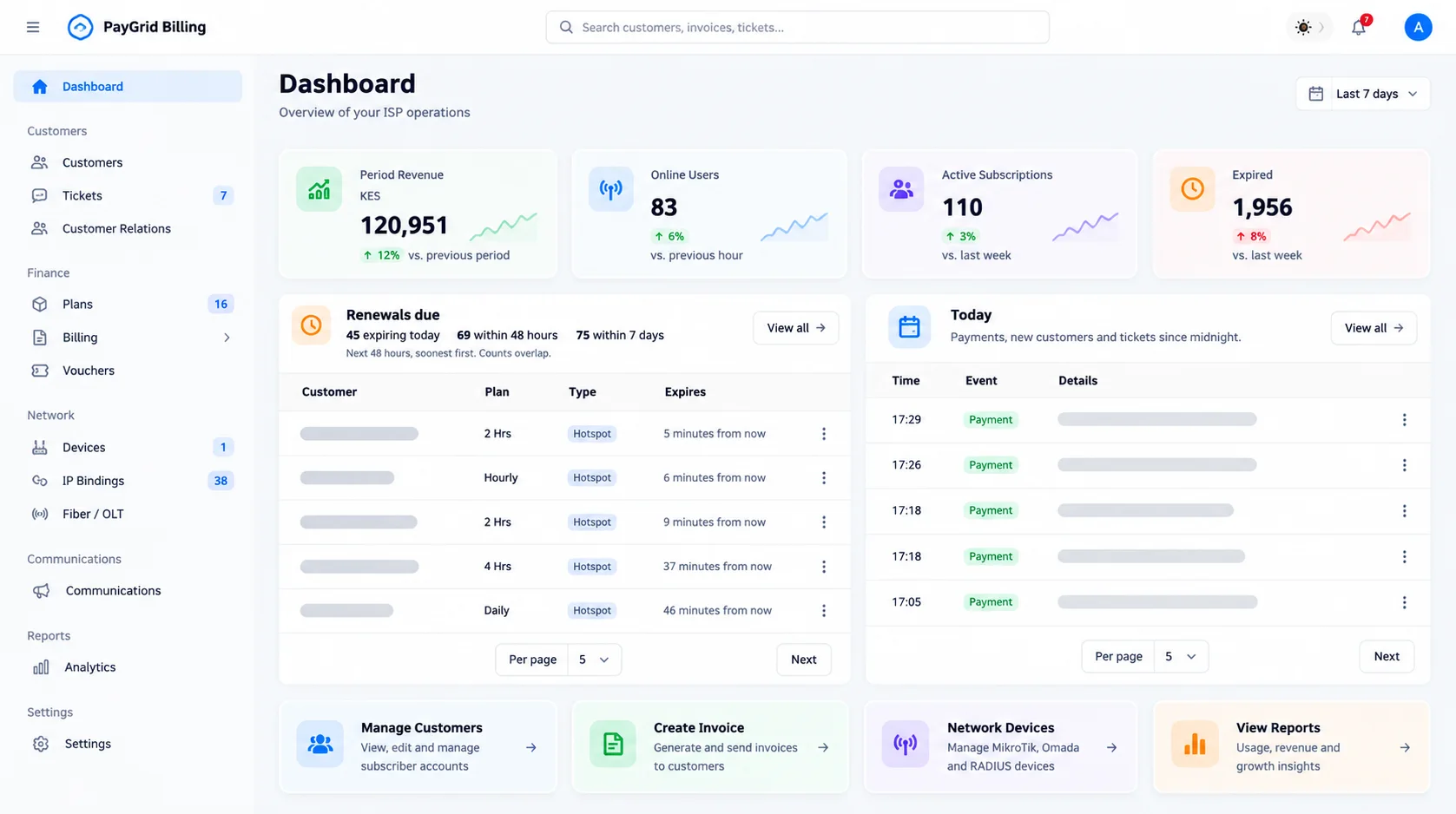
Configure your merchant integration
Choose the appropriate enabled M-Pesa or Paybill/Till integration and enter its required merchant credentials in the protected settings. Merchant account approval and gateway availability are prerequisites, not benefits automatically included with signup.
Follow the payment status
An STK request is a request to pay, not a successful payment. The customer completes the prompt; confirmation callbacks and reconciliation establish the resulting payment state. Use the payment status tools when a confirmation is delayed.
Verify the access step
After the payment workflow succeeds, confirm the intended plan or invoice is updated and the connected device allows service. An unreachable router, wrong plan mapping or portal configuration can still prevent access.
Separate platform charges from provider charges
Review current Paygrid platform pricing and the payment provider’s merchant fees independently. This page does not promise zero transaction fees or instant settlement in every case.
Go deeper
Setup documentation
Questions and boundaries
Before you start
Does sending an STK push mean the invoice is paid?
No. A request must complete successfully and the payment state must be confirmed. Check the recorded status before assuming payment succeeded.
Are Paybill and Till configurations interchangeable?
Use the configuration for the actual integration and merchant account you have. Confirm the required credentials, permissions and callback setup in the gateway documentation.
Related workflows
Plan a pilot for your network
Discuss device compatibility, payment requirements and migration scope before a full rollout.
Contact the team