Product / Billing and network workflows
Connect Omada EAP hotspots to Paygrid billing
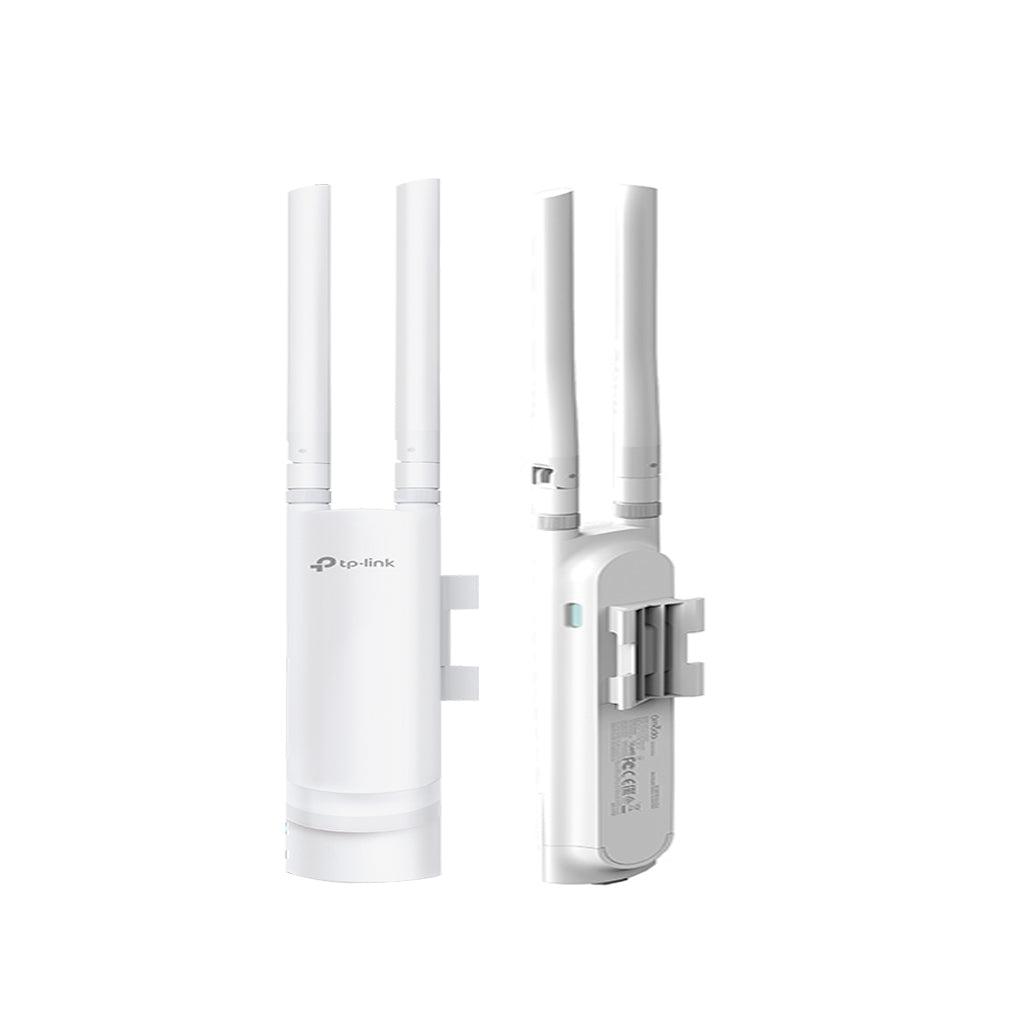
The supported workflow adopts an Omada EAP into the hosted Controller, associates it with the tenant site, and configures guest Wi-Fi with the external portal and RADIUS workflow.
Omada setup walkthrough
Watch the owner-provided Paygrid Omada integration tutorial. Follow the written setup steps and check prerequisites below against your hardware and controller before following along.
Confirm suitability before adoption
Confirm your exact EAP model, firmware and adoption state with support. The repository does not establish a universal firmware compatibility matrix. Do not assume an arbitrary controller or every Omada product is supported.
Prepare adoption and the tenant site
Keep the EAP online and follow the supplied Controller adoption instructions. Check its device identity and MAC address, then confirm it belongs to the correct tenant site before configuring the guest network.
Configure and test the guest journey
Use the guest SSID and portal settings created by onboarding. Test portal redirect, the selected payment or voucher flow, successful authorization and accounting. Check Controller reachability and EAP association if the portal or access fails.
Know the boundary
This is an Omada EAP hotspot workflow. MikroTik scripts, RouterOS API operations and PPPoE secret management do not apply to Omada devices. Ask support about a model or topology that differs from the hosted-Controller path.
Go deeper
Setup documentation
Questions and boundaries
Before you start
Can I use any existing Omada Controller?
The verified onboarding path uses the hosted Controller. Confirm an alternative controller deployment with support before purchasing hardware or migrating.
Where is the video tutorial?
Load the owner-provided YouTube tutorial on this page, or open it on YouTube. The written setup guide remains available without loading external media.
Related workflows
Plan a pilot for your network
Discuss device compatibility, payment requirements and migration scope before a full rollout.
Contact the team