Product / Billing and network workflows
ISP billing software for internet providers across Africa
Bring subscriber accounts, payment follow-up and network access workflows into one workspace. Review the supported payment options for your market, then pilot a site before migrating your network.
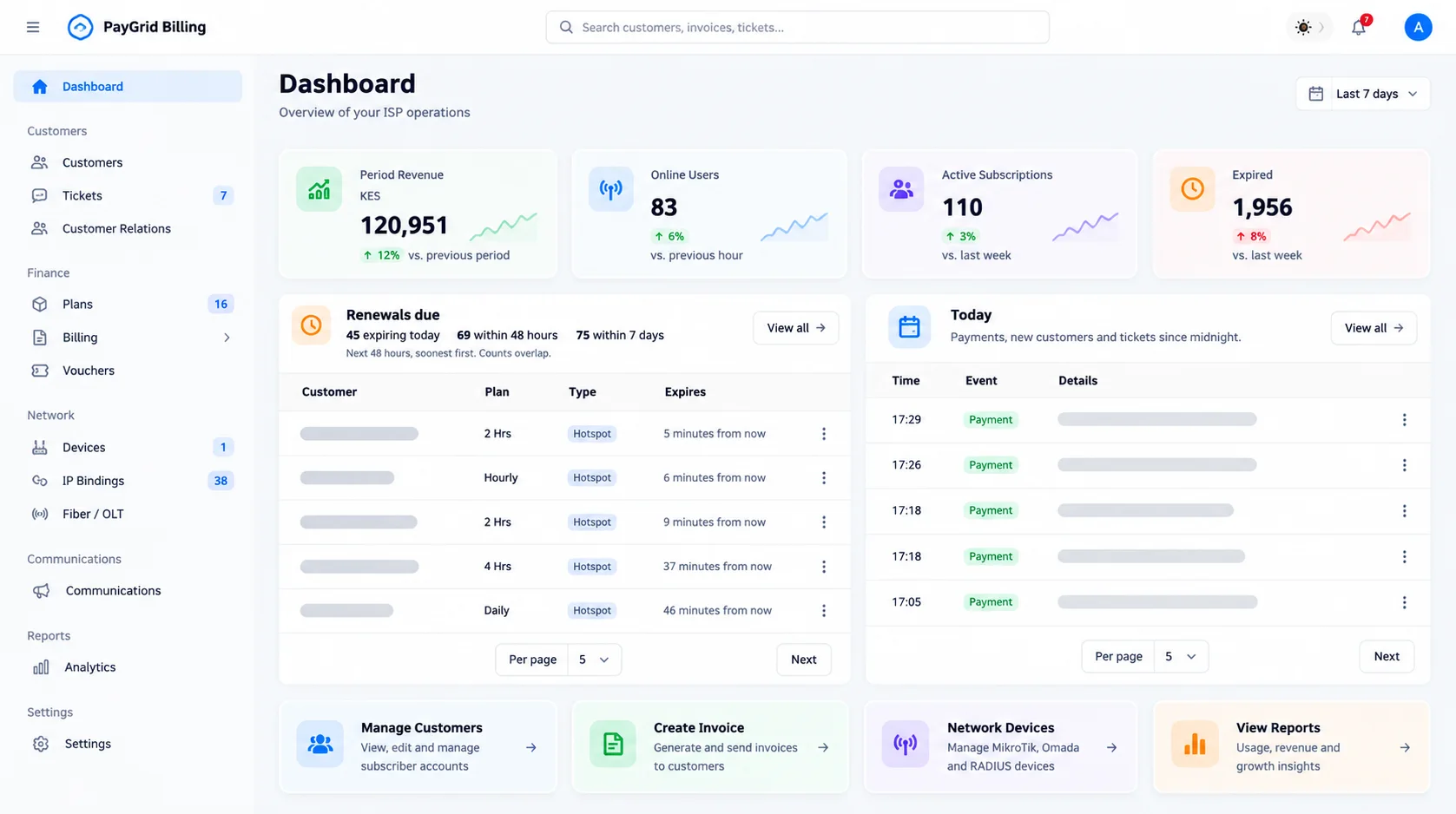
From payment collection to service access
Configure an enabled payment gateway with your merchant credentials. Payment callbacks and reconciliation update the relevant payment workflow; network provisioning and access depend on a reachable, correctly configured router or controller.
Choose the right deployment for each site
Use MikroTik for supported Hotspot, PPPoE and Static IP workflows. Omada EAP hotspot deployments use the hosted Controller and an external captive portal. Omada is not a replacement for RouterOS PPPoE provisioning.
Pilot before you migrate
Create plans, connect one device, test a successful payment, check accounting, and verify expiry and reconnection. Confirm current platform charges and any provider fees before committing.
Go deeper
Setup documentation
Questions and boundaries
Before you start
Is an M-Pesa merchant account included?
No merchant account is created by registration. You need the credentials and permissions required by the payment integration you enable.
Can payments work before a router is connected?
Payment collection and network access are separate dependencies. A confirmed payment does not guarantee access through an offline or incorrectly configured device.
Related workflows
Plan a pilot for your network
Discuss device compatibility, payment requirements and migration scope before a full rollout.
Contact the team